Creating a new experiment
To create a new experiment, go to File -> New,
or press Ctrl+N,
or click on the white new document toolbar button.

The main graphical user interface
Metadata
In the Metadata section you can edit the metadata for the experiment, as well as the text that should be displayed before the experiment begins. To see a preview of what the splash screen will look like, click on “Preview Splash Screen”.

Metadata: Information about the experiment and text to display before it starts.
Display Options
You can choose which results and statistics to display in the Display Options section.

Display Options: select which results and statistics to display.
Trial Conditions
The conditions used for the trials are listed here. Conditions can be added, re-ordered, edited and removed using the buttons below the list of trials.
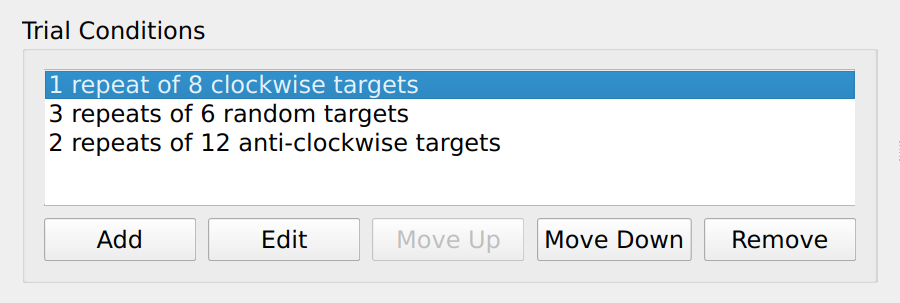
The list of conditions used in the trial.
To edit a trial, either click “Edit” or double click on the trial. This will then open a dialog box where the trial conditions can be adjusted. When you are finished, click “OK”.

Dialog to edit the conditions for a trial.